
Macros
Fragestellungen:
- Was ist ein Macro
Beschreibung:
Mit intelligenten Macros kannst du deinen Content durch interaktive - vom System bereitgestellte - Funktionen erweitern. Realisiere Landing-Pages mit herstellerspezifischen Produktlisten, erzeuge individuelle Kontaktseiten und sammel gezielt Lead-Kontakte. Macros steht dir systemweit zur Verfügung. Neben klassischen Content Management-Seiten kannst du die Macros in Blog-Artikeln, Kategorie-Seiten und sogar Produktseiten einsetzen.
Unterseiten
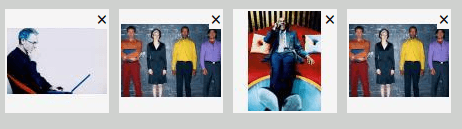
Bilder-Galerie
Die Macro Bilder-Gallerie erlaubt es dir, komfortabel individuelle Gallerien unter Einsatz der Medienbibliothek zu erstellen. Dabei generiert TYRIOS vollautomatisch alle benötigten Bild-Größen, du musst keine Bilder manuell bearbeiten. Außerdem stellt das System vollautomatisch eine Vollbild-Ansicht zur Verfügung.
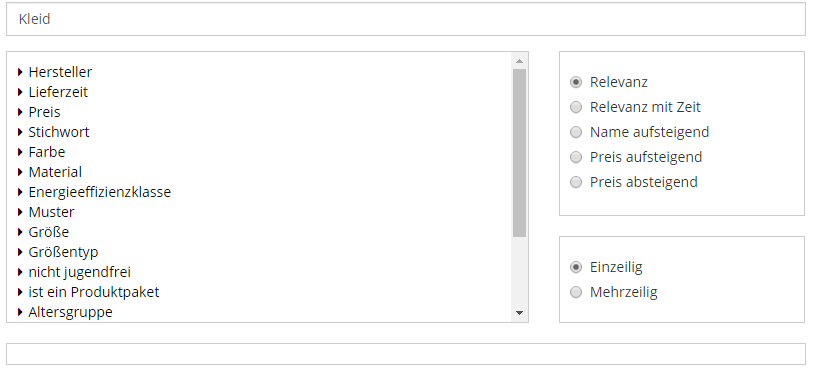
Produkt-Stream
Binde bequem Produkte aus der Artikelverwaltung in deiner Seite ein. Dabei steht dir die volle Funktionaltiät von ShopOnTarget zur Verfügung. Zeige die beliebtesten Produkte eines Herstellers, Produkte einer bestimmten Größe oder Produkte mit festgelegten Eigenschaften. Nutze das integrierte Such- und Empfehlungssystem für optimale Landing-Pages und mehr.

Dokumenten-Stream
Binde bequem Dokumente aus dem Content-Management-System in deine Seite ein. Dank dem leistungsfähigen Such- und Empfehlungssystem ShopOnTarget / ContentOnTarget kannst du auch auf alle Dokumente deiner Seite zurückgreifen. Zeige so die neusten Produkte deines Blogs an, verlinke die relevantesten Landing-Pages bereits auf deiner Startseite oder verlinke relevante Dokumente in deiner Artikelansicht.